# Task Notification Emails & Due Dates
## Task Notifications & Due Dates
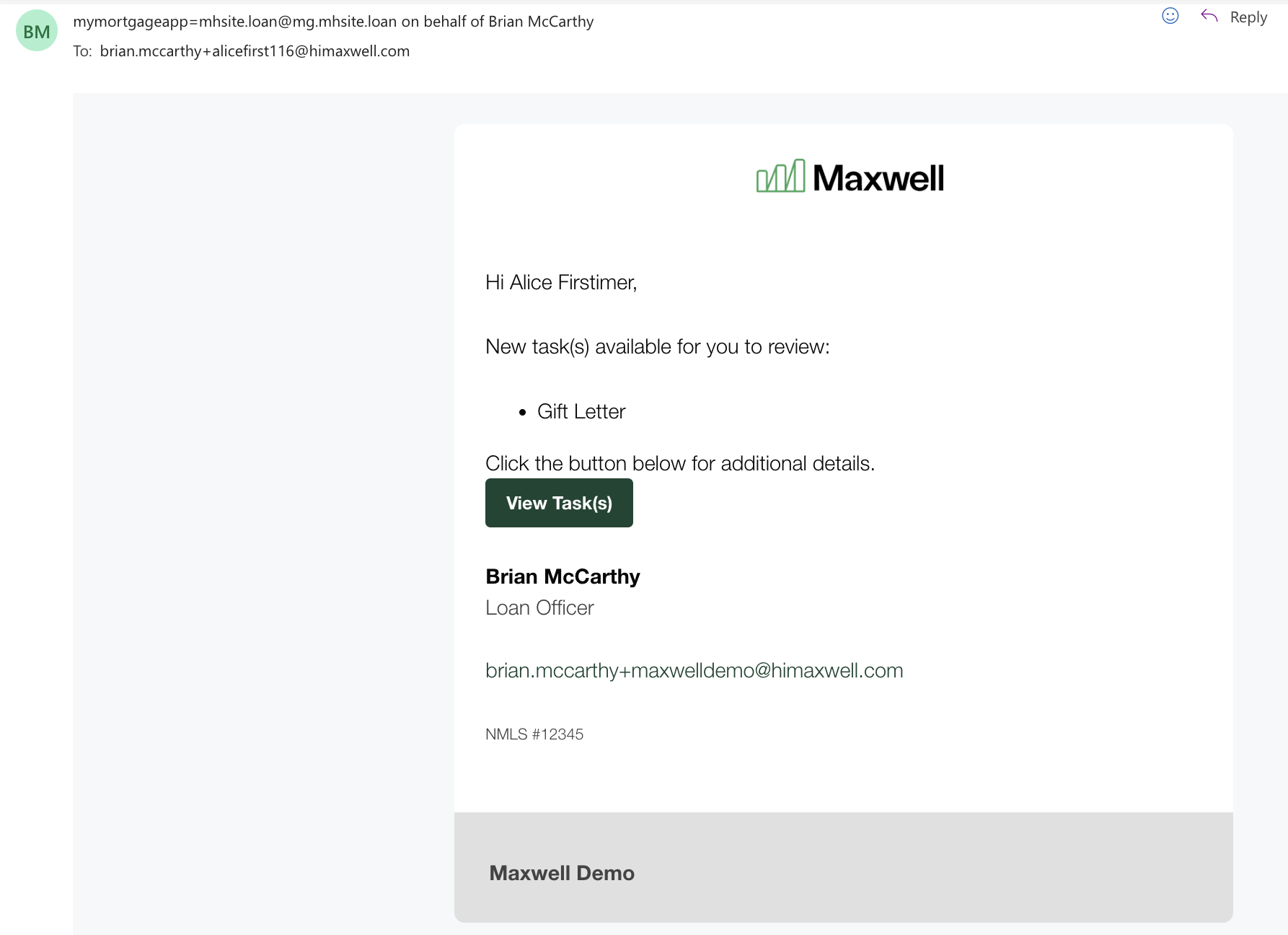
Borrower tasks are closely tied to email notifications and due dates. Borrowers receive email notifications when:
* New tasks are created and assigned to them
* A task is due (on the due date)
* A task is past due (up to three reminder emails)
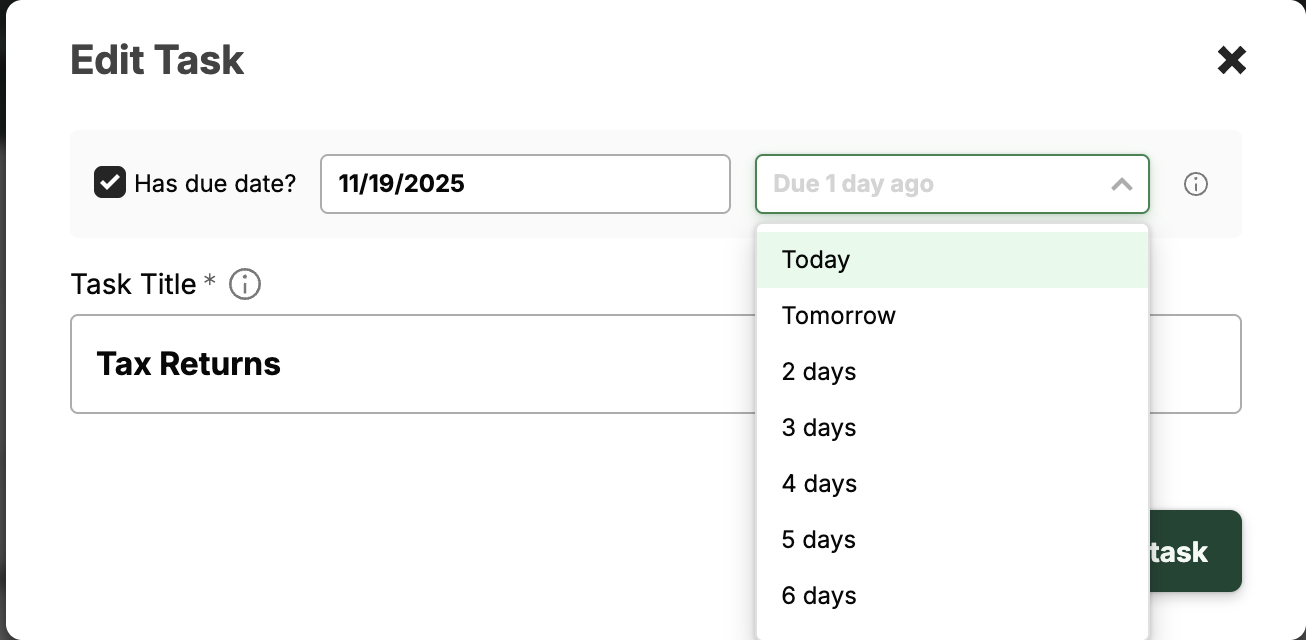
By default, a task due date is set to **3 days** after it is created. Lenders can adjust the due date during task creation or when editing an existing task.
Tasks are sorted by due date and include visual tags to highlight urgency:
* **Red tag** = past due
* **Yellow tag** = due today
* **Grey tag** = upcoming due date
* **No tag** = no due date assigned (edit the task to add one)
* **Green checkbox** = task completed
Lenders can set and edit task due dates either at task creation or by editing a task.