# Milestones
Milestones provide a high level way to display the current progress / status of loan file. Many users affectionately refer to it as the "pizza tracker" of the loan.
To mirror the two different sides of our POS application, there are two different types of milestones that are linked together.
* **Borrower Milestones** – A simplified progress view presented to the borrower.
* **Lender Milestones** – A more detailed status view that can pull updates directly from the LOS.
Milestones are configurable by organization and can be automated to update based on events from the point of sale or the LOS.
### Borrower Milestones
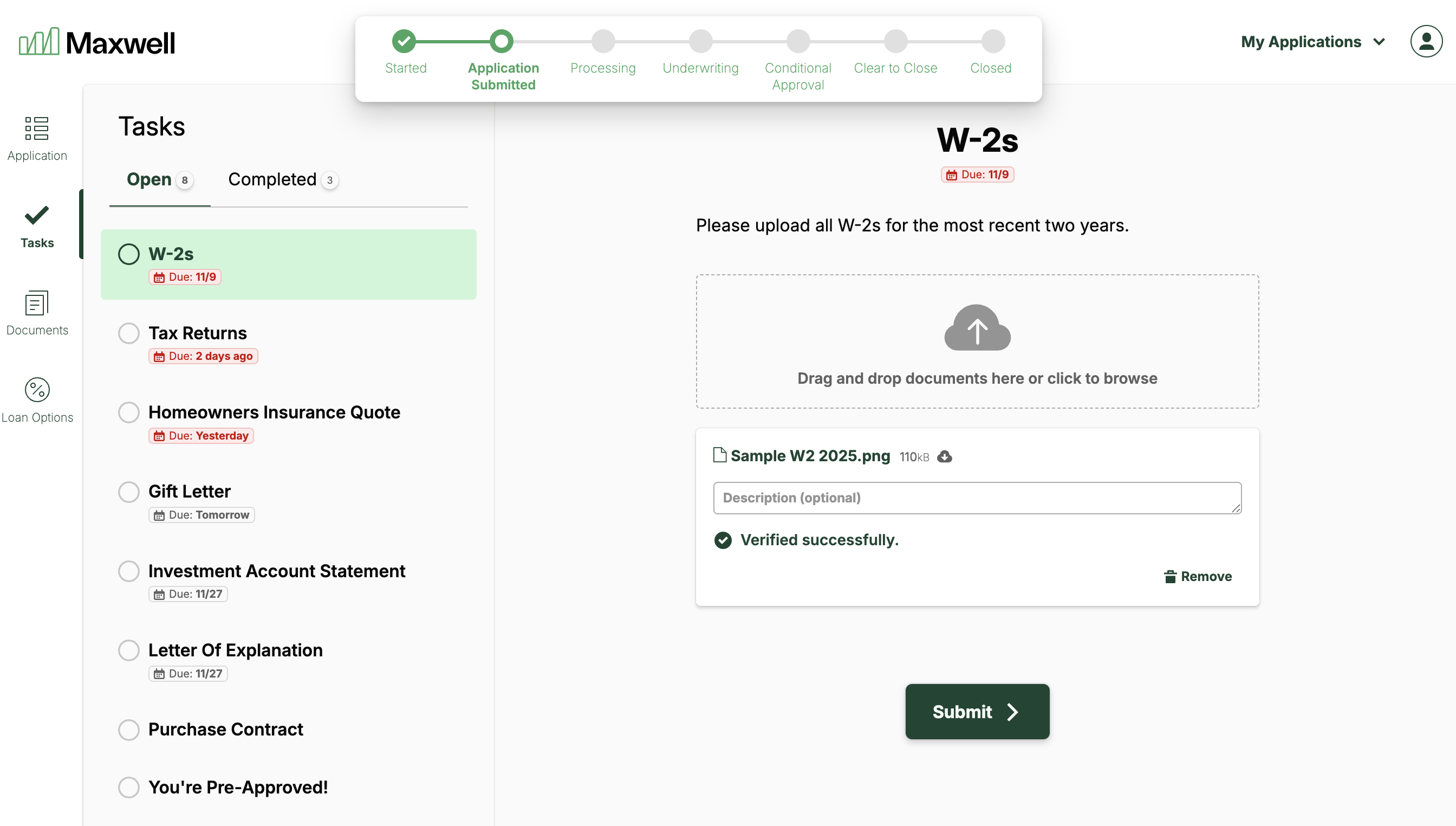
Borrower Milestones provide a simplified view of the key phases in the loan process, helping borrowers understand where they are and what comes next. These milestones appear at the top of the Borrower Hub and expand when the borrower hovers over them with their mouse
The Borrower milestones give the borrower a sense of progress and upcoming steps in the application process.
The name and number of Borrower Milestones are fully configurable at the organization level. You can also customize the triggers that update each milestone. These triggers can fire based on updates from your LOS as well as actions taken within the Maxwell platform.
## Lender Hub and LOS Milestones
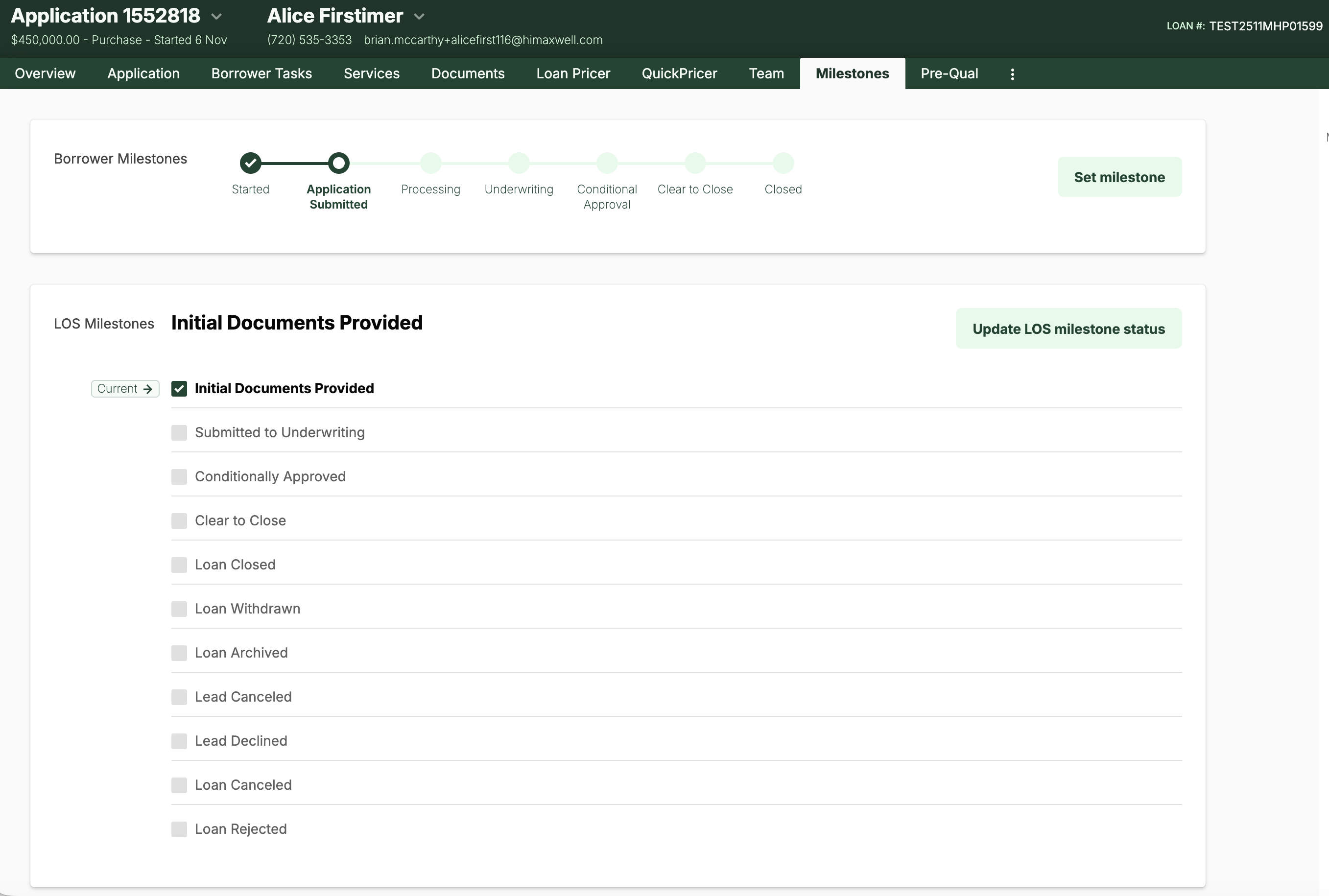
Within the **Milestones** tab in the Lender Hub, loan officers can view both the current **Borrower Milestone** and the corresponding **Lender Milestone**.
There are two ways milestones can be updated: **manual updates** or **Automated LOS-triggered updates**.
### Manual Updates
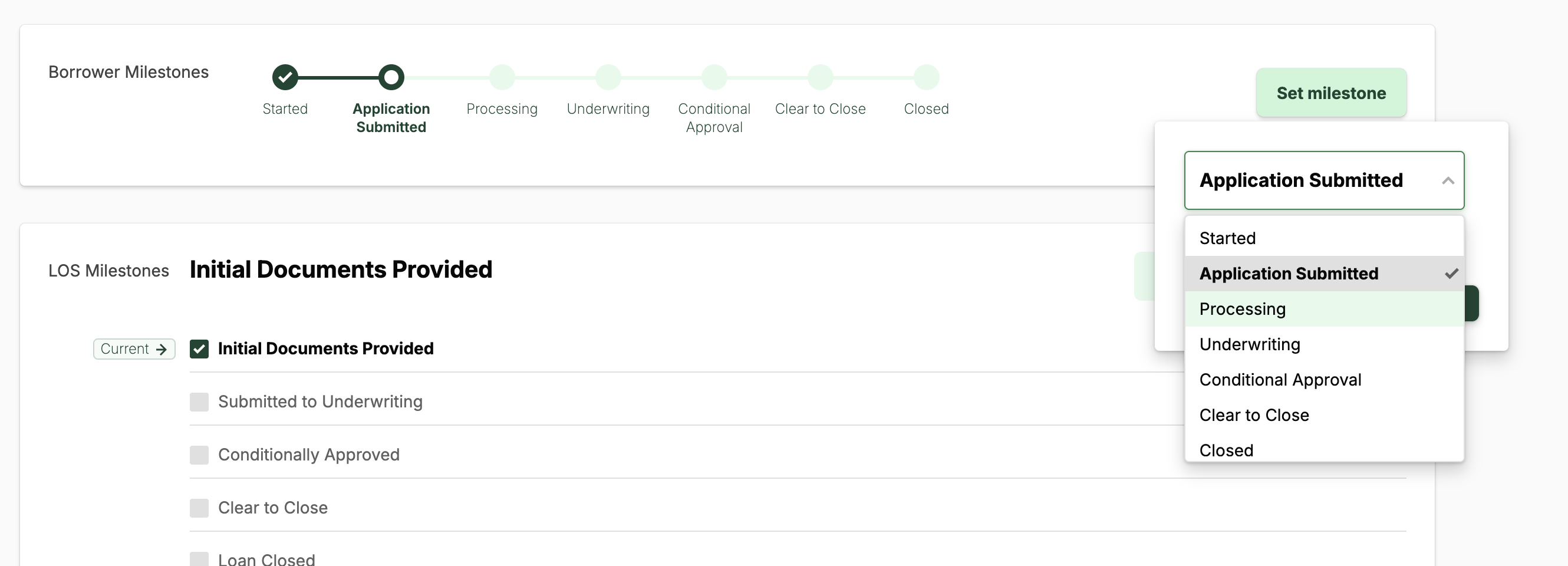
With manual updates, the loan officer opens the Milestones tab, selects **Set/Update Milestone**, and chooses the appropriate status. This method is most commonly used by organizations that do not use an LOS or that work with an LOS that does not have a native integration with Maxwell.
#### Automated Updates from the LOS
For organizations integrated with an LOS, we recommend using automated milestone updates. With this setup, milestones in Maxwell are mapped to key events in your LOS. When one of those events is triggered, the LOS sends a webhook event update to Maxwell, which automatically updates the corresponding POS milestone and timestamps the change.
This ensures that both borrowers and lenders receive up-to-date status information without needing to switch between the POS and LOS.

### Milestone Mapping Between LOS & POS
Using common LOS lender milestones as a reference point, the table below provides a standard starting template for mapping borrower milestones.
| **Borrower Label** | **POS Internal Key** | **LOS External Milestone Key** |
| ------------------ | -------------------- | --------------------------------------------------------------------------- |
| Application | application | Loan\_Open |
| Processing | processing | Loan\_Processing Loan\_PreProcessing |
| Underwriting | underwriting | Loan\_Underwriting Loan\_FinalUnderwriting Loan\_PreUnderwriting |
| Clear to Close | clear\_to\_close | Loan\_ClearToClose |
| Closed | closed | Loan\_Funded Loan\_Closed |
| Cancelled | cancelled | Loan\_Canceled Loan\_Rejected Lead\_Canceled Lead\_Declined Loan\_Withdrawn |
### Lender Notifications
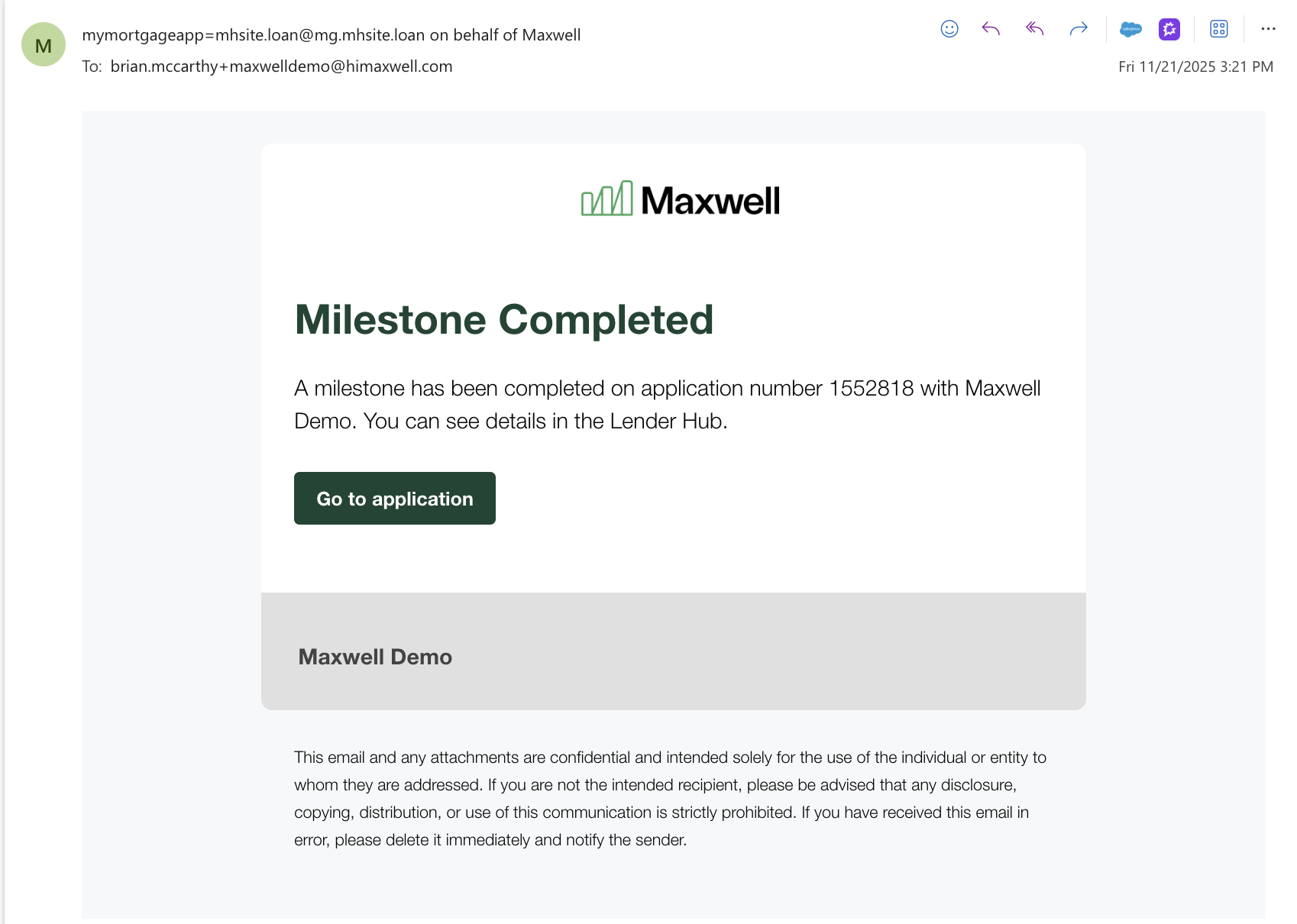
After each milestone update the lender receives an email notification that informs them that the loan has moved to a new milestone and a link to view the application.